
That familiar digital dread strikes again: you tap an app, it stutters. You open a browser, it crawls. Instantly, the inner voice whispers, "Ugh, this thing is just too old. Time to spend a fortune on a new one!" We’ve all been there, staring at a lagging screen, convinced our beloved gadget has reached its hardware expiry date. But what if that frustrating slowdown isn't your device giving up the ghost, but rather a cry for help you’ve been ignoring?
As someone who’s spent years peering inside these digital boxes, I can tell you a secret: a surprising number of "dead" devices are actually just suffering from digital indigestion. The market, of course, loves to whisper sweet nothings about shiny new features and blazing speeds. But for most of us, that perceived slowness isn't a terminal illness of silicon and circuits; it's often a case of poor digital hygiene and accumulated clutter. Before you whip out your wallet, let's play detective.
One of the biggest culprits? Software bloat. Think of your phone or laptop like a filing cabinet. When you cram it with apps you rarely use, each one quietly takes up space and often runs invisible processes in the background, consuming precious RAM (your device's short-term memory) and CPU cycles (its brainpower). Even that weather app you installed once and forgot about could be sending updates or tracking location, making your entire system feel sluggish. A study by AVG found that dormant apps can still consume significant battery and data.
Then there's the storage situation. We’ve all done it: taken thousands of photos, downloaded countless videos, and never cleaned out our downloads folder. When your device's internal storage – especially an SSD, which is like a digital bookshelf – gets near full, say 80-90% capacity, its performance takes a hit. The operating system needs elbow room to move files around, create temporary caches, and manage data efficiently. Without that room, everything slows down, feeling like trying to walk through a crowded room with an armful of shopping.
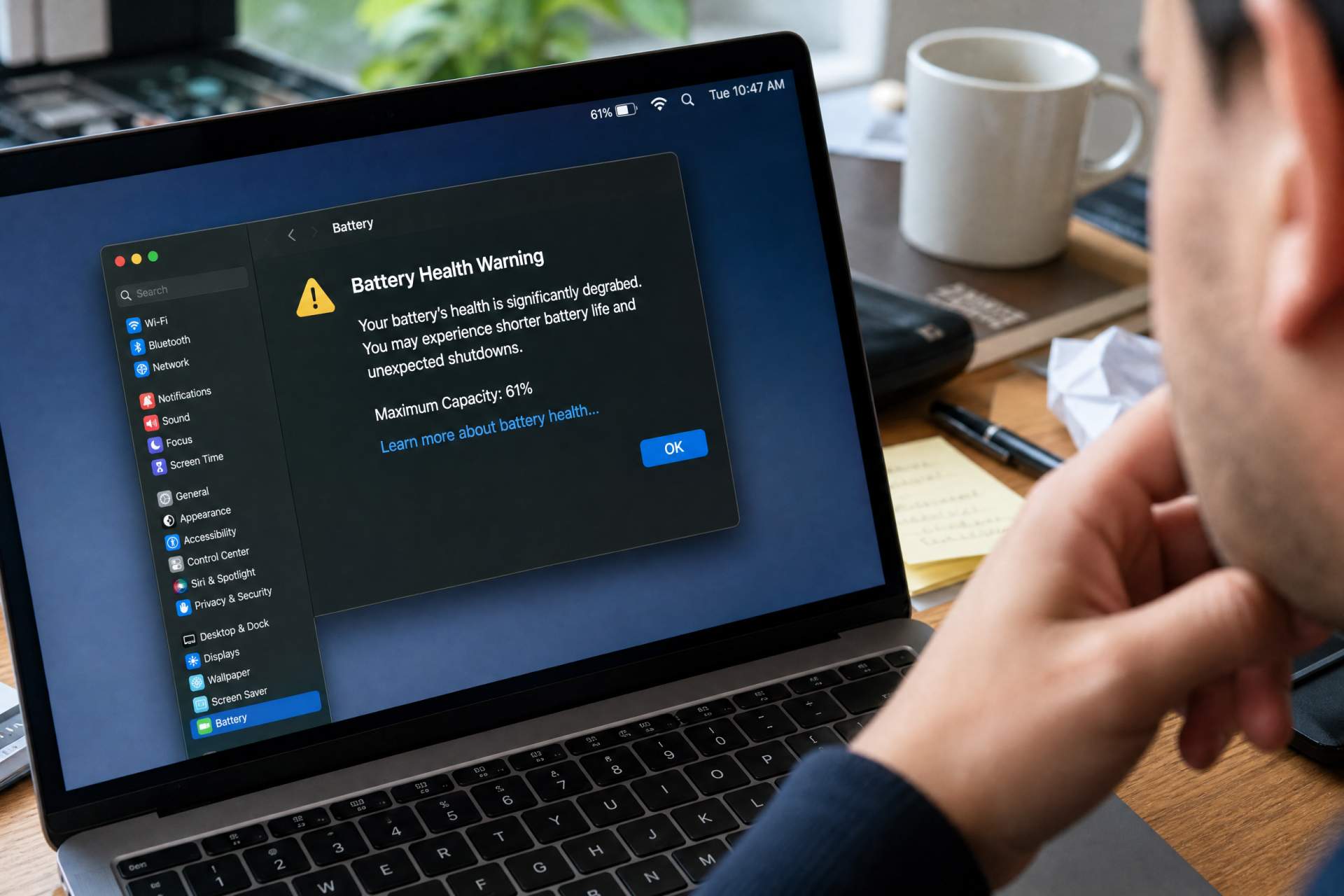
And let’s not forget the unsung hero, or villain, of mobile performance: the battery. For smartphones and even some laptops, a degraded battery isn't just about shorter uptime. As lithium-ion batteries age (typically after 300-500 charge cycles, they can lose significant capacity), their ability to deliver consistent power can diminish. This often triggers performance throttling by the operating system to prevent unexpected shutdowns, making your device feel inexplicably slower, especially under heavy load. A simple battery replacement can sometimes feel like a new phone entirely.
So, how do we fix this digital malaise without spending a dime? First, a digital declutter. Go through your apps and uninstall anything you haven't touched in a month. Clear app caches – this frees up temporary data that can accumulate. Move large files (photos, videos) to cloud storage or an external hard drive. This isn't just about freeing space; it's about giving your device room to breathe. For example, a laptop bogged down with endless temporary files and browser extensions might take 30-45 seconds to open a common application, whereas a clean system might do it in 5-10 seconds. That's a significant difference in daily workflow.
Secondly, keep your software updated. Operating system updates aren't just for new features; they often include critical performance optimizations and bug fixes. Regularly restart your device. It’s the digital equivalent of a good night’s sleep, clearing out temporary files and resetting processes that might be hogging resources. For a laptop, a clean install of Windows or macOS can work wonders, essentially giving you a fresh start. This might sound intimidating, but it's often simpler than you think, and there are plenty of online guides.
When is it truly time for a new device? If you’ve done all the above, and your device still struggles with basic tasks, or if you need specific new hardware capabilities (like a higher-resolution screen for graphic design, or a faster processor for professional video editing) that your current device simply doesn't possess, then yes, an upgrade is justifiable. Optimizing your current device is a budget-friendly, environmentally conscious approach that extends the life of your investment. The downside? It demands a bit of your time and won't give you the "new car smell" of the latest gadget. But for 90% of everyday tasks – browsing, email, streaming, light gaming – your "slow" device might just need a spa day, not a funeral.