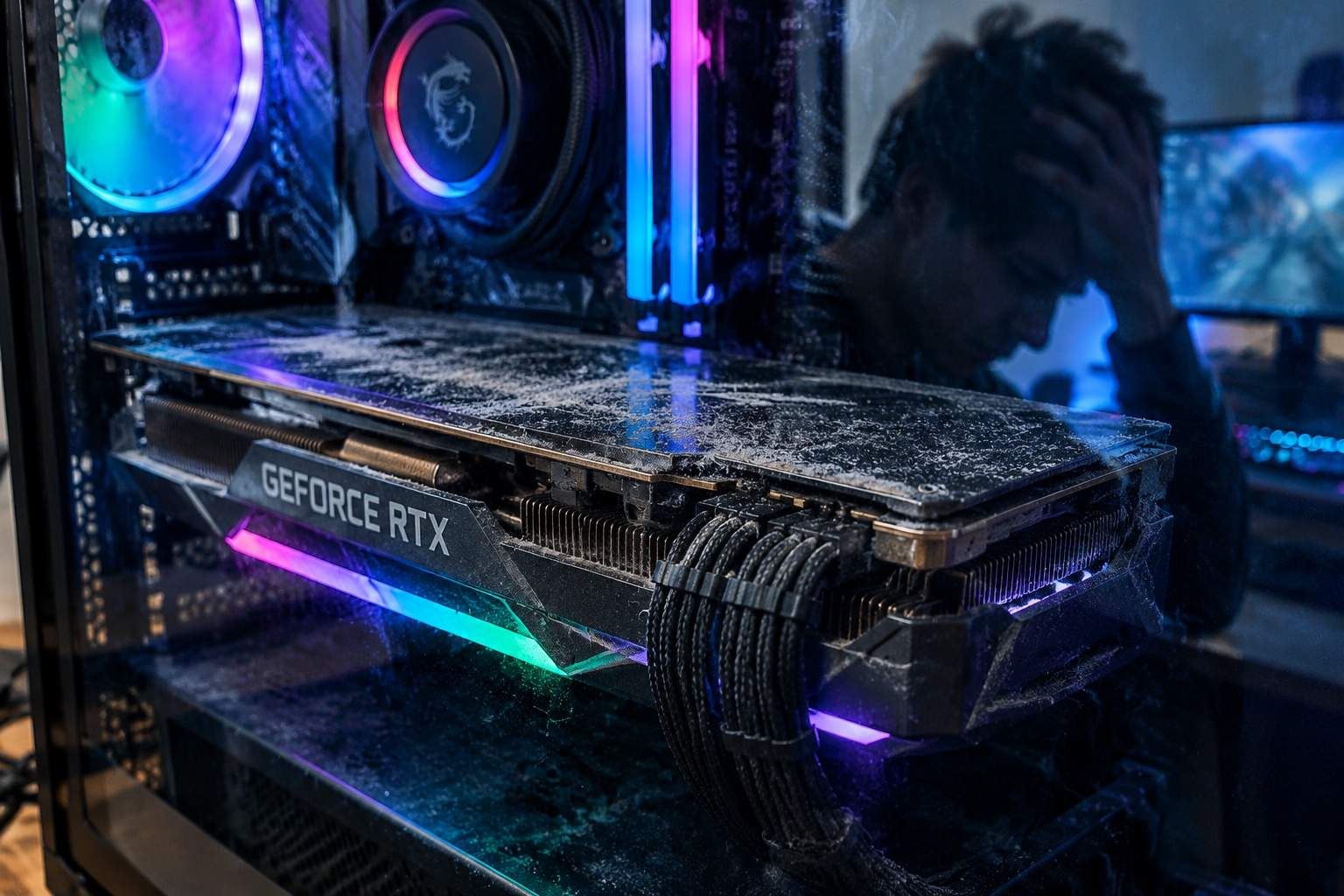

Alright, listen up, you poor, stuttering souls. I've seen it all, from the early days of 3DFX to these ridiculous modern beasts, and the biggest con in PC gaming hasn't changed: the myth that throwing more money at a problem, specifically a new graphics card, magically fixes everything. You just blew your rent money on a shiny RTX 40-series, updated your drivers – hell, maybe you even nuked Windows from orbit – and your favorite AAA game still feels like a slideshow curated by a drunken snail. You're left feeling ripped off, confused, and wondering if your rig just hates you.
Let's cut the bull. You're here because you want real answers, not marketing drivel. We're going to save you cash, dodge those upgrade traps, and get your rig running smooth without emptying another wallet. This isn't about buying new hardware; it's about smart optimization and exposing the snake oil.
The industry, bless its profit-hungry heart, absolutely loves to push new GPUs. "More frames! Better graphics! Buy, buy, buy!" But they conveniently gloss over the real saboteurs: unoptimized game engines that compile shaders on the fly, bloatware-laden OS updates, and those glorious "game-ready" drivers that are often bug-ready. They want you chasing the dragon of new silicon, when the actual dragon is usually hiding in plain sight, deep within your software stack.
First off, drivers. That "fresh install" might be a fresh mess. You updated, right? Did you DDU (Display Driver Uninstaller) first? Or did you just layer new bugs on top of old ones? Sometimes, rolling back to an older, stable driver version is the real micro-stutter fix. Nvidia and AMD aren't infallible; their driver teams are often rushing to support new titles, leading to unforeseen compatibility issues on older hardware or even specific game engines.
Then there's Windows itself. Every update feels like it's adding another layer of bloat. Background processes, power settings, even your monitor's refresh rate can throw off frame timings. Ensure your power plan is on "Ultimate Performance" or a custom high-performance profile. Check your screen settings; variable refresh rate (G-Sync/FreeSync) is great, but sometimes it needs a kick in the teeth to behave.
Game engines are another beast. Many modern titles suffer from shader compilation stutter, especially if your VRAM optimization isn't on point. Dropping texture quality can often alleviate this more than you'd think, even if you have a monster GPU. The game might be trying to load more assets than your card can handle efficiently, leading to frame drops. Hardcore competitive players know this well: low settings aren't just for visibility; they're for reducing CPU bottleneck instances and maintaining rock-solid frame rate consistency.
And don't even get me started on "frame generation." It's a neat trick, but it adds latency. For competitive gamers who live and die by input lag, it's often a net negative. For those enjoying immersive, single-player experiences, it can smooth things out, but only if your base frame rate is already decent. It's not a magic bullet for a fundamentally struggling system.
For you meticulous collectors and visual aesthetes – male or female – who want to soak in every pixel without constant stuttering, focus on finding that sweet spot between visual fidelity and consistent frame times. Tweak shadows, ambient occlusion, and draw distance before blindly cranking texture resolution to "Ultra." Often, the visual difference is minimal, but the performance impact is huge. Use tools to monitor your VRAM usage and frame times; don't just stare at the FPS counter.
So, before you eye that next GPU upgrade and fall for the marketing trap again, troubleshoot smart. Clean your drivers, prune your OS, check in-game settings, and understand where your actual performance bottlenecks are. Your wallet will thank you, and your gameplay will finally be smooth.
Now, who's got a story about buying a new card only for their framerate to stay exactly the same? Let's hear it in the comments.