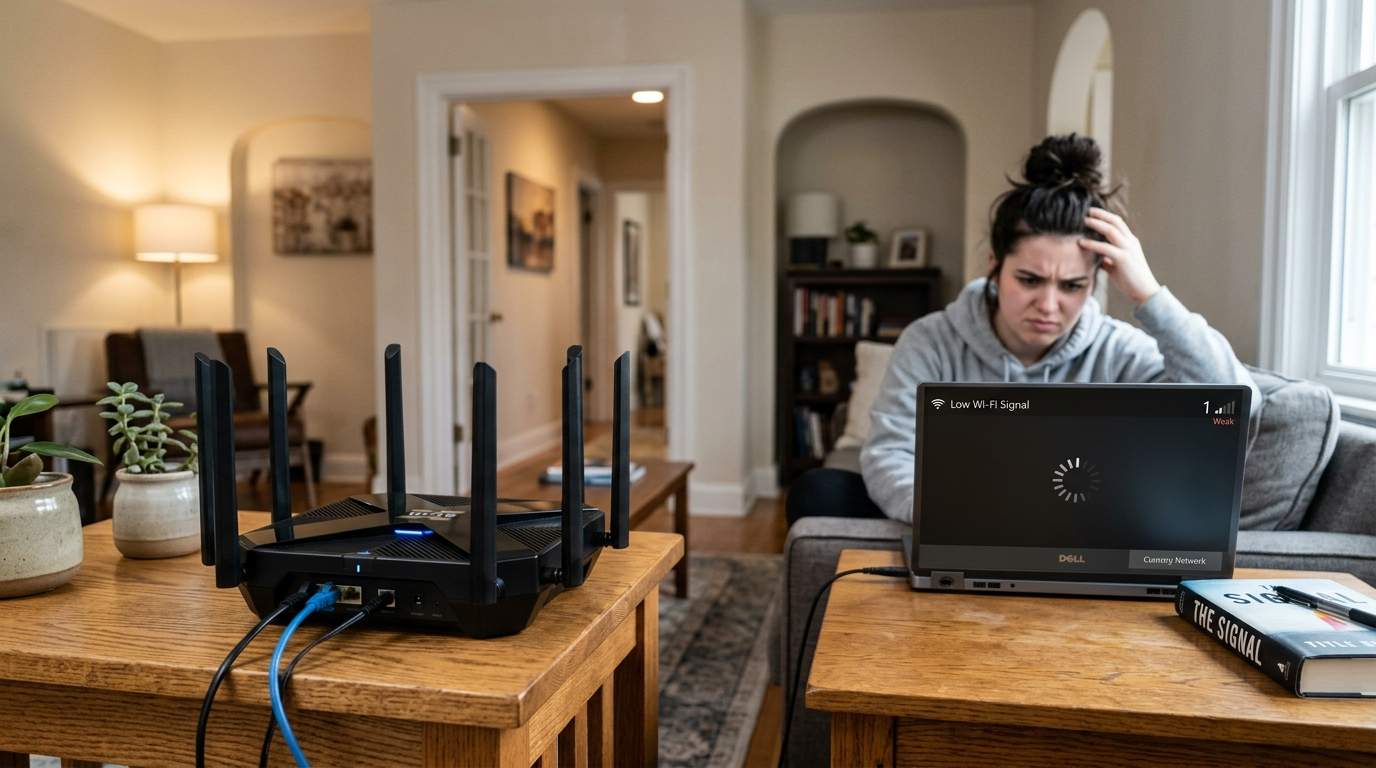

You just spent a small fortune on a cutting-edge Wi-Fi 6E mesh network, hoping to banish those frustrating dead spots and buffering videos in your home office or bedroom. You placed the nodes strategically (or so you thought!), but there are still rooms where your laptop struggles to hold a connection during important work video calls, and streaming 4K content is a distant dream. You reboot, you adjust, but the promised seamless coverage never quite materializes, leaving you wondering if you just wasted hundreds of dollars.
The persistent frustration of inconsistent Wi-Fi performance and dead zones, even after investing significantly in supposedly "advanced" networking hardware like mesh systems, leads to wasted money and continued productivity or entertainment disruptions. We're constantly bombarded with marketing that powerful routers, especially modern mesh Wi-Fi 6E/7 systems, are the ultimate, plug-and-play solution to all home network woes, guaranteeing seamless coverage and eliminating dead spots. The common belief is "more expensive/faster hardware = better Wi-Fi everywhere." However, the reality is often that simply throwing more money at hardware without understanding your unique building structure, potential radio frequency (RF) interference, and critically, optimal Access Point placement and channel optimization, can lead to minimal improvement or even new problems.
Let's bust the myth: Buying a faster, pricier mesh system isn't a magic wand. Think of it like buying a Ferrari to navigate rush hour traffic. Sure, it's a powerful machine, but it can't defy the laws of physics or common sense. Your home's Wi-Fi network operates in a world full of unseen obstacles and chatter.
First, your home itself is a giant Wi-Fi obstacle course. Those lovely concrete walls or even certain types of insulation can be signal killers, sometimes reducing Wi-Fi strength by 10-20dBm in a single pass. That's like turning down your phone's volume significantly just by stepping into another room. Ever tried shouting across a thick brick wall? Even the loudest voice struggles. Your Wi-Fi signal is no different; it's just radio waves trying to navigate your personal fortress.

Then there's the unseen chatter: RF interference. Your neighbor’s Wi-Fi, your microwave oven (especially on the 2.4GHz band), cordless phones, Bluetooth devices, even baby monitors – they all broadcast on similar frequencies. It's like trying to have a clear conversation in a crowded, noisy restaurant. Even with a powerful voice (your mesh node), you're still competing with dozens of other signals. In dense urban areas, a single apartment building might have 50+ Wi-Fi networks vying for space, making clear channels a rare luxury.
Crucially, "strategic" Access Point placement often misses the mark. Many people tuck their mesh nodes behind TVs, inside cabinets, or on the floor. Imagine trying to illuminate a large room with a flashlight hidden behind a couch. To effectively broadcast, your Wi-Fi nodes need clear line of sight, ideally elevated and centrally located. One common mistake is placing a node in a far-flung corner, only to find the signal barely makes it back to the main router because of multiple walls in between. For optimal performance, a node should "see" another node or the main router with minimal obstruction.
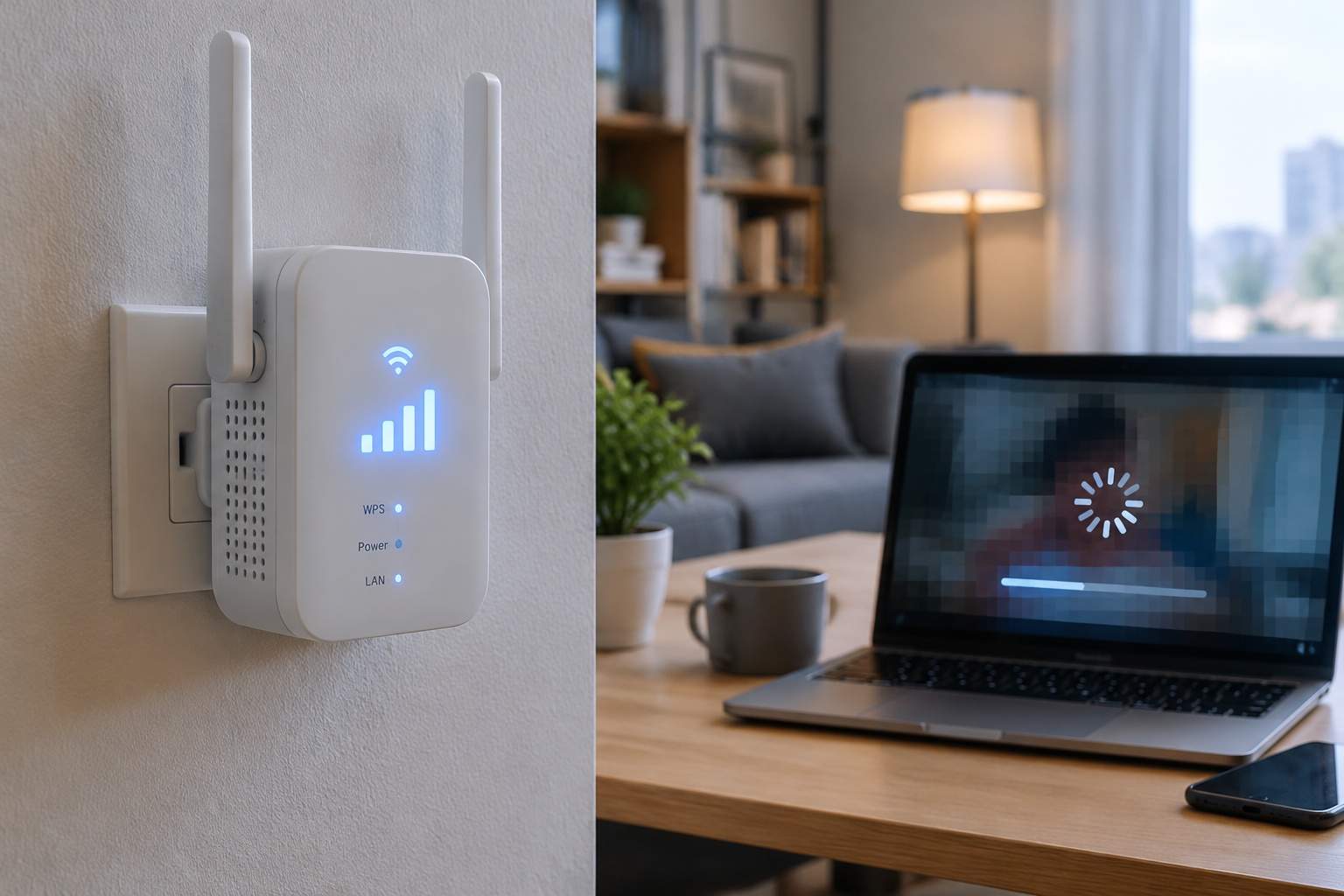
Another key piece of the puzzle is "wireless backhaul." This is how your mesh nodes talk to each other to extend coverage. While convenient, it consumes bandwidth. If your mesh node wirelessly connects to the main router, and then your device connects to that node, the signal has to travel twice wirelessly. If your backhaul link is already weak or congested, the speed your device experiences will be cut dramatically. A 5GHz backhaul might advertise 500Mbps, but if it's struggling through walls, that could drop to 50Mbps or less, leaving your 4K stream stuttering. It's like using two walkie-talkies to relay a message; each hop introduces potential for loss and delay.
So, when does a mesh system shine? For most medium to large homes with relatively open floor plans and moderate interference, a mesh system offers fantastic convenience. It provides a single network name, easy setup, and smooth roaming between nodes. For families who just want a single, reliable Wi-Fi bubble without running cables, it's a significant upgrade from a single router. It simplifies things, giving you a generally acceptable experience across a broader area.
However, a mesh system isn't ideal for every scenario. If your home has very thick walls, extensive metalwork, or you demand absolute peak performance in every nook and cranny for professional tasks like large file transfers or competitive online gaming, its wireless backhaul limitations can become bottlenecks. The convenience comes with a trade-off in raw, unhindered bandwidth, especially when nodes are far apart or heavily obstructed.
The real solution to your dead zones often begins with diagnosis, not just more gear. Grab a free Wi-Fi analyzer app on your phone or laptop. Walk around your home and map your signal strength. You'll likely see where your signal plummets. Experiment with placement: elevate nodes, move them away from major appliances or thick walls. Sometimes, just 18 inches higher on a shelf can make a world of difference.
For those truly stubborn dead zones and high-bandwidth needs, consider leveraging wired solutions. An Ethernet backhaul, where you connect mesh nodes directly to each other or the main router with a cable, completely bypasses the wireless backhaul bottleneck. This guarantees full speed and minimal latency between nodes. While requiring some cable routing, a wired connection can deliver 1Gbps+ with rock-solid stability, making it the gold standard for performance. It's the difference between sending a fragile message via carrier pigeon (wireless) or via fiber optic cable (Ethernet).
Ultimately, technology should serve to improve your life, not complicate it. Don't let marketing hype dictate your investment. Instead of blindly upgrading, take a few minutes to understand the unseen forces at play in your home network. Diagnose, experiment with placement, and consider a wired assist for peak performance. A smarter approach to your existing hardware will often yield far better results than just throwing more money at the problem, bringing technology back to truly serving your productivity and peace of mind.