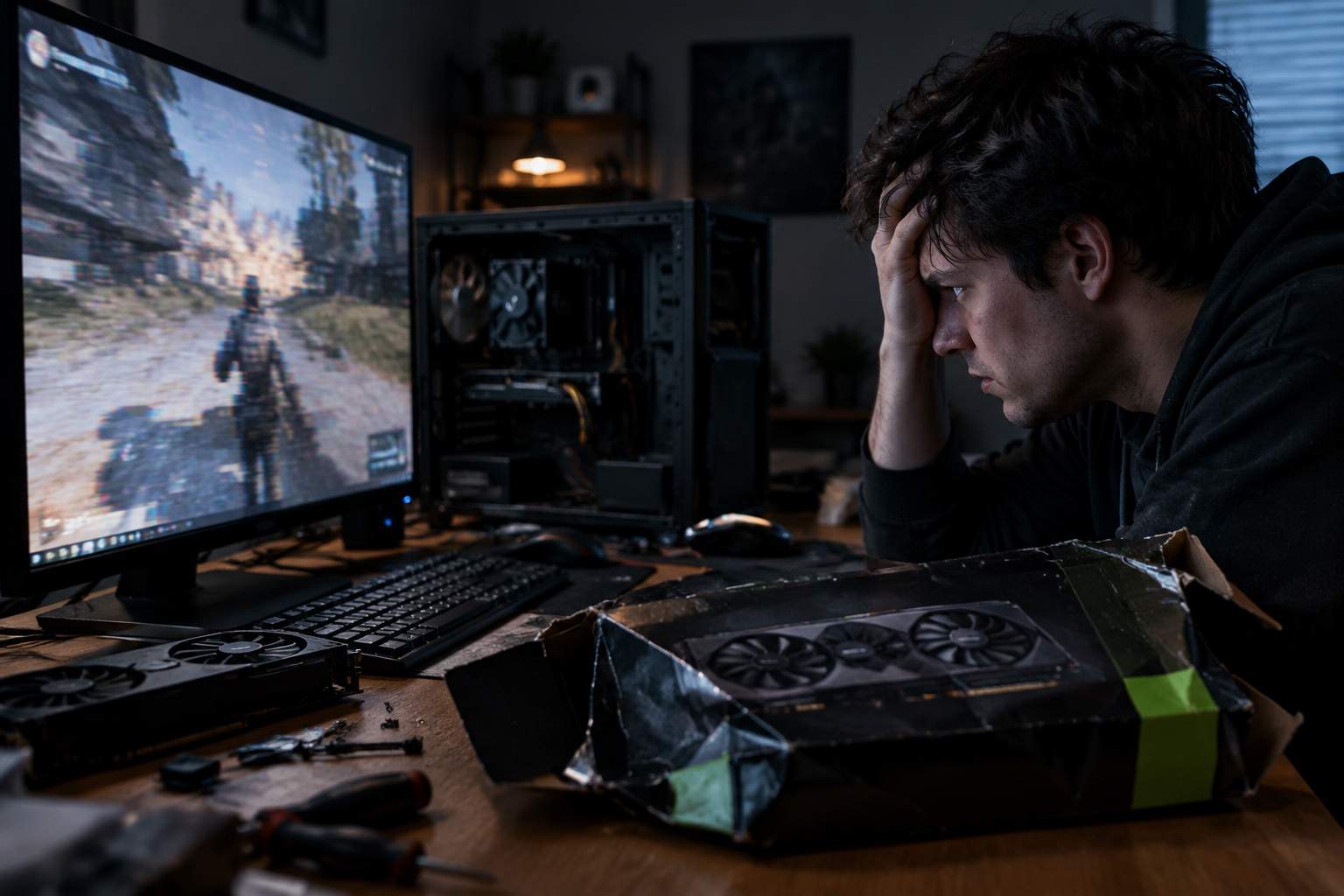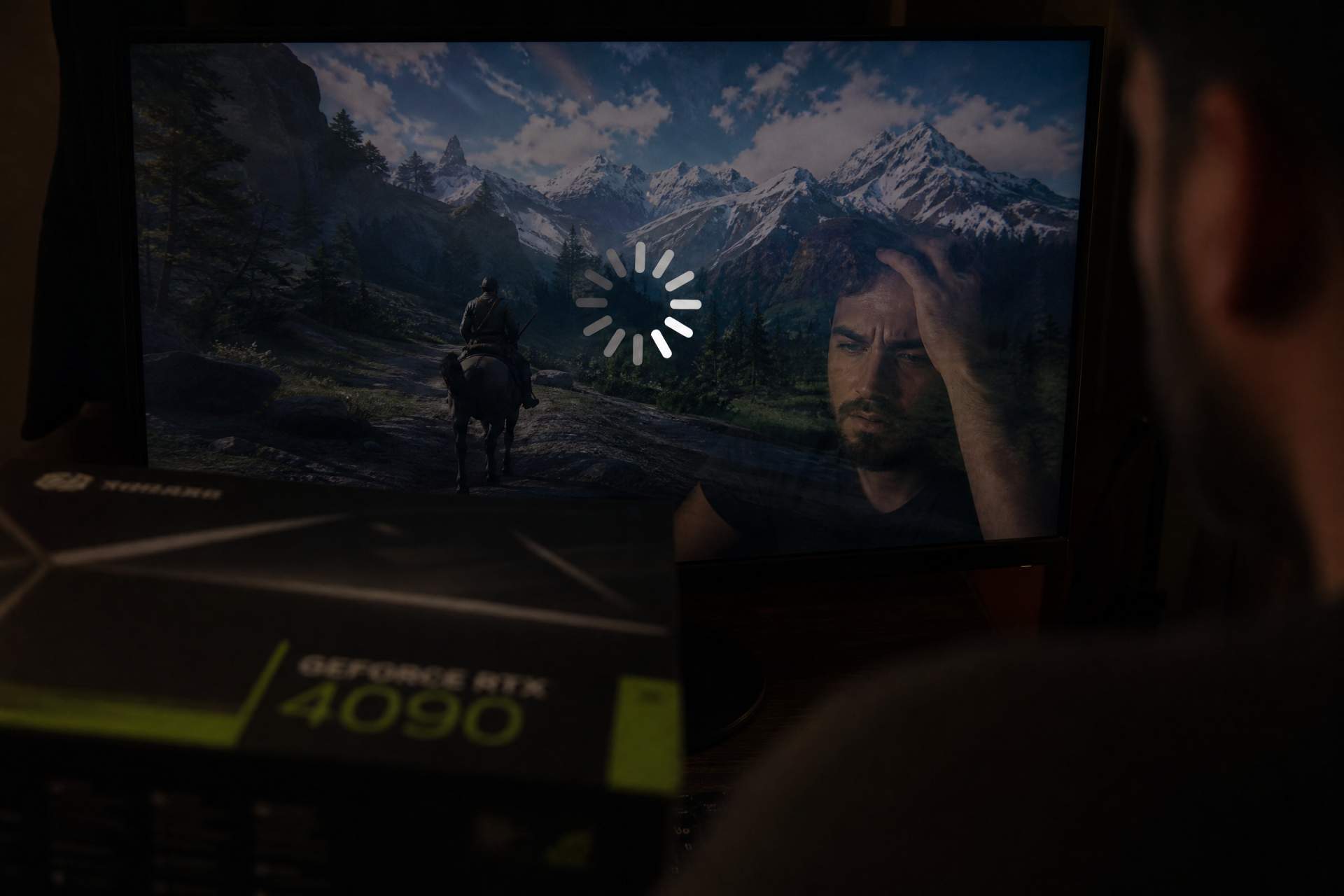

Alright, grab a drink and settle into voice chat because we need to talk about how Jensen and the boys just rinsed your wallets again.
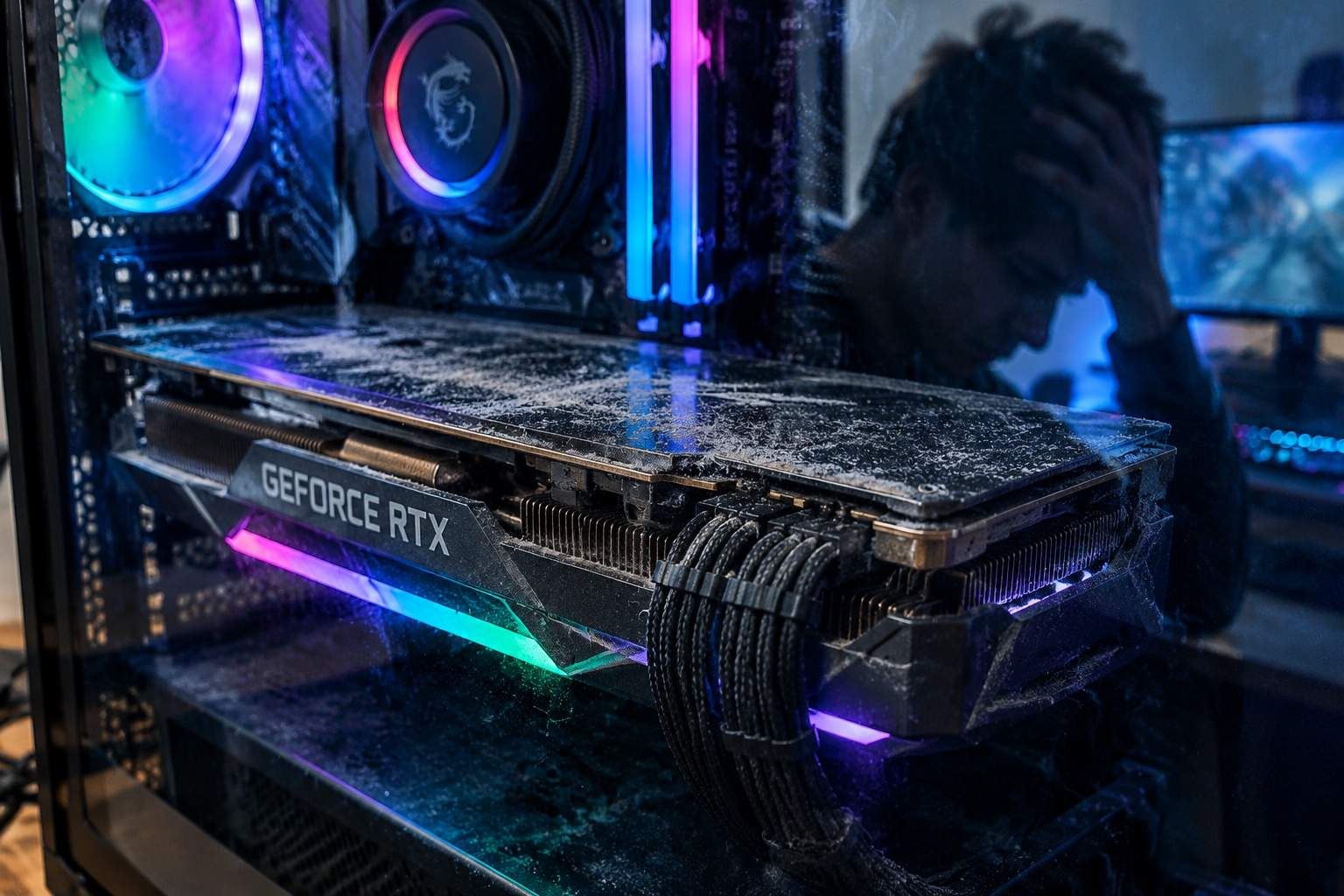
Picture this: you dropped a month's rent on a fresh card, booted up your favorite AAA title expecting buttery visuals, and your screen still freezes right in the middle of a clutch 1v4 fight. Classic.
Hardware manufacturers love whispering in your ear that your rig is obsolete just because a new generation drops with a ridiculous price tag. Total corporate scam.
Let me save you some cash and a lot of rage. Your current setup is already an absolute beast, but you keep trusting default settings and OEM bloatware that chokes your system harder than a bad patch day.
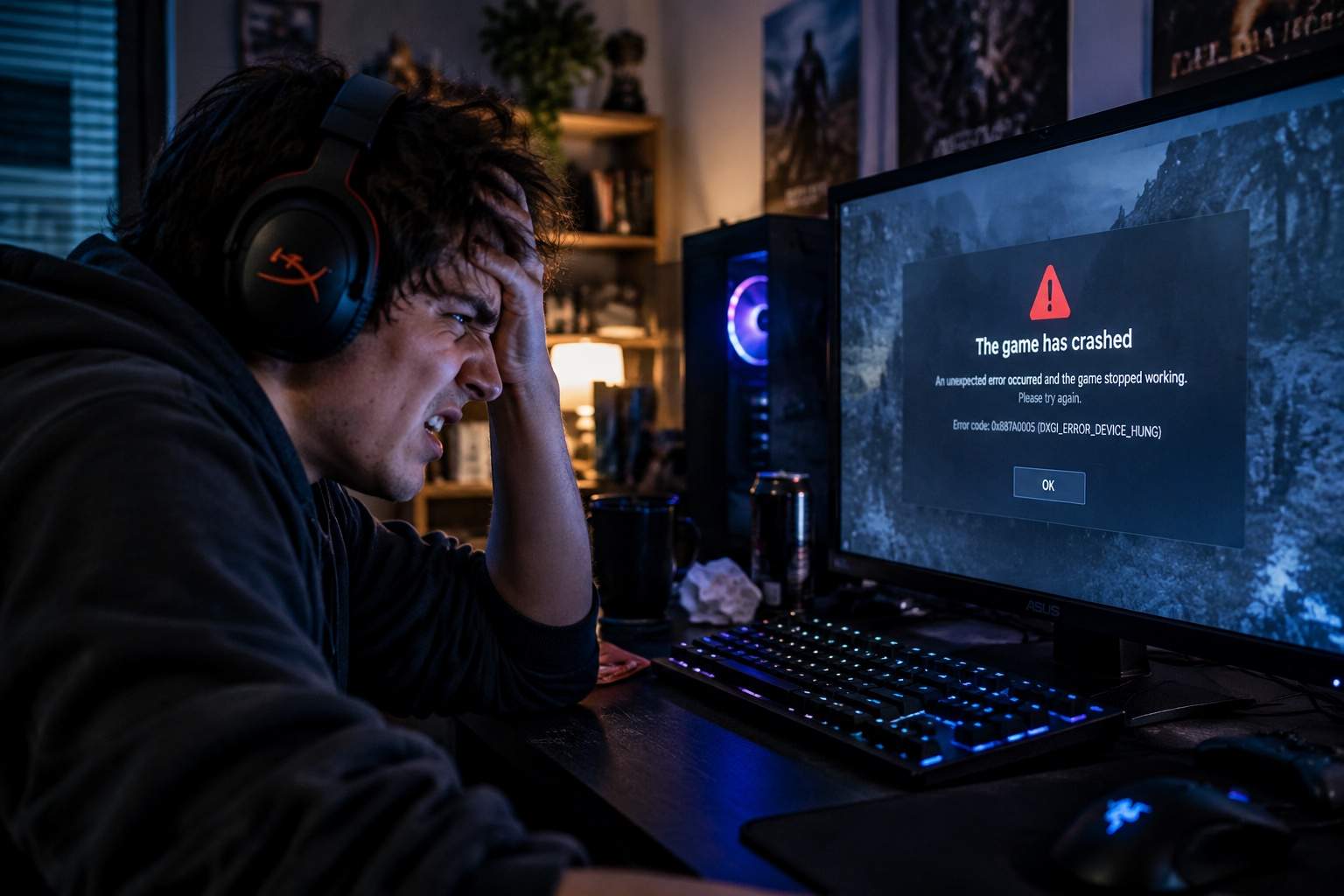
Before you even think about dropping another dime on hardware upgrades, we are going to fix those annoying frame drops and micro-stutters for absolute zero dollars.
For my hardcore competitive guys grinding intense shooters, stop letting the game auto-detect your resolution and refresh rates. Turn off hardware-accelerated GPU scheduling, nuke your temporary shader cache, and stop downloading useless driver utilities running background tasks.
If you are a casual explorer or collector enjoying gorgeous open-world RPGs, stop maxing out ray tracing on mid-tier cards just for a couple of shiny puddles. Lower volumetric fog and shadows instead, and watch your frame rate stabilize without losing a single drop of visual fidelity.
Now, what about the lady gamers in the chat? Whether you are deep into heavy visual novel sims, cozy crafting survival games, or running high-fps competitive matches, the optimization trap hits everyone equally.
Cozy players often suffer from memory leaks in poorly optimized indie titles because the default asset streaming is trash. A simple pagefile adjustment fixes those random desktop crashes instantly.
Competitive girls grinding ranked matches do not need expensive gaming routers; you just need to disable Windows full-screen optimizations and strip out Xbox Game Bar background recording stealing your precious CPU cycles.
Stop falling for predatory microtransactions, scammy gold farming packs, and over-hyped hardware sidegrades disguised as essential upgrades. Developers ship broken default configurations because they expect you to brute-force bad code with expensive silicon.
Go clean your background processes, tweak your screen settings, and stop letting tech giants treat your bank account like their personal piggy bank.
Drop a comment below with your current rig specs and tell me which game is still stuttering for you, so we can roast your setup together.