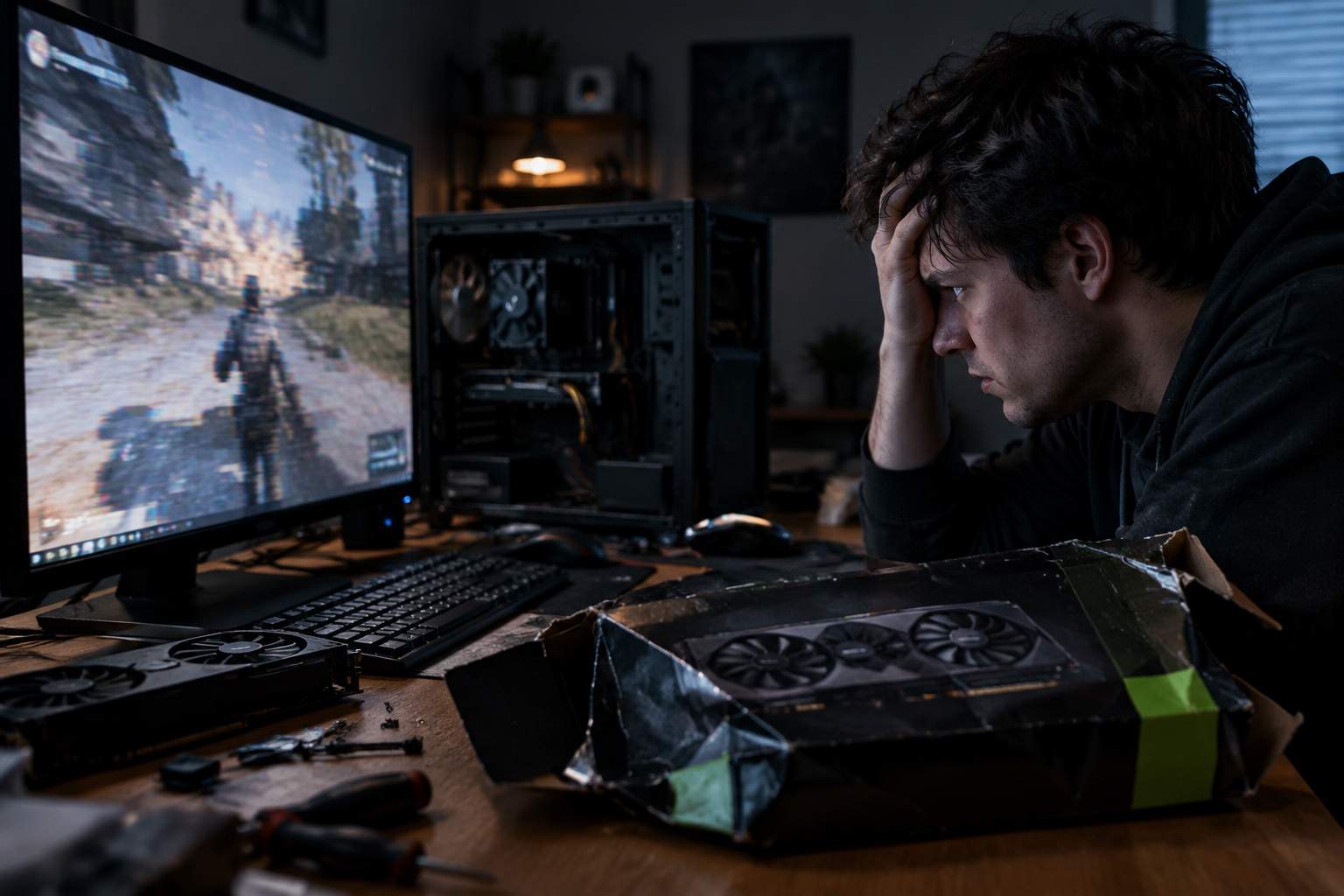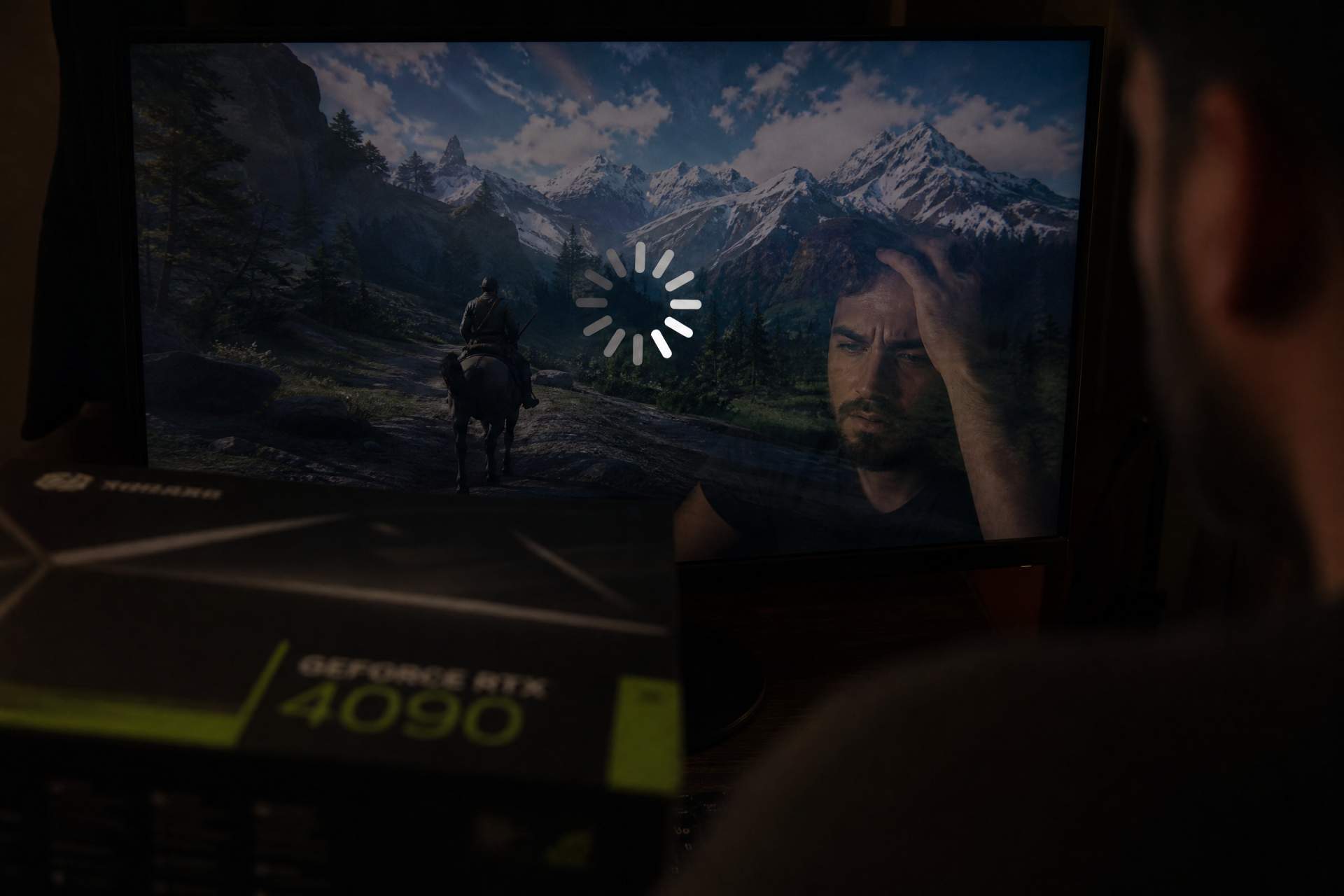

Listen up, because I’ve seen this cycle repeat for two decades and I’m tired of watching you all get fleeced. You just dropped a month’s salary on a flagship GPU, plugged it in with the excitement of a kid on Christmas, and fired up the latest triple-A blockbuster. But instead of the buttery smooth dream the marketing promised, you’re hitting micro-stutters the second you turn a corner or enter a boss arena. Your frame rate counter says 120, but your eyes are telling you it’s a slideshow. Welcome to the great FPS scam of the modern era.
We are living in the age of the "AI bandage." Studios have stopped optimizing their code because they expect DLSS and FSR to do the heavy lifting for them. It’s a classic version trap. They show you these shiny graphs with massive bars, but they never talk about the 1% low FPS. That’s the real metric of joy. If your average is high but your lows are hitting thirty, the game will feel like garbage. You’re being sold a lie that raw hardware power can overcome lazy engineering, and your wallet is the only thing taking the hit.
If you’re a hardcore competitive player, usually chasing that top-tier rank in shooters, you need to stop falling for the "Ultra" preset trap. It’s pure vanity. Those settings add bloat that spikes your system latency and destroys your frame pacing. Turn off the ray-traced shadows and focus on reflex settings. High average frames mean nothing if your input lag makes you feel like you're playing through a bowl of oatmeal. The cost-effectiveness of your rig depends entirely on how much of that power is actually reaching your mouse clicks.
For the casual gamers and those who just want to lose themselves in a beautiful world, don't let the game "Auto-Optimize" your experience. These presets are often broken or designed to make you feel like your hardware is obsolete so you’ll buy the next upgrade. Whether you are playing a high-octane action title or a stylized cozy simulator, the first thing you should do is check for community-made optimization mods. It is pathetic that a 5MB file from a fan on a forum can fix a stutter that a billion-dollar studio ignores for six months, but that is the reality of modern gaming.
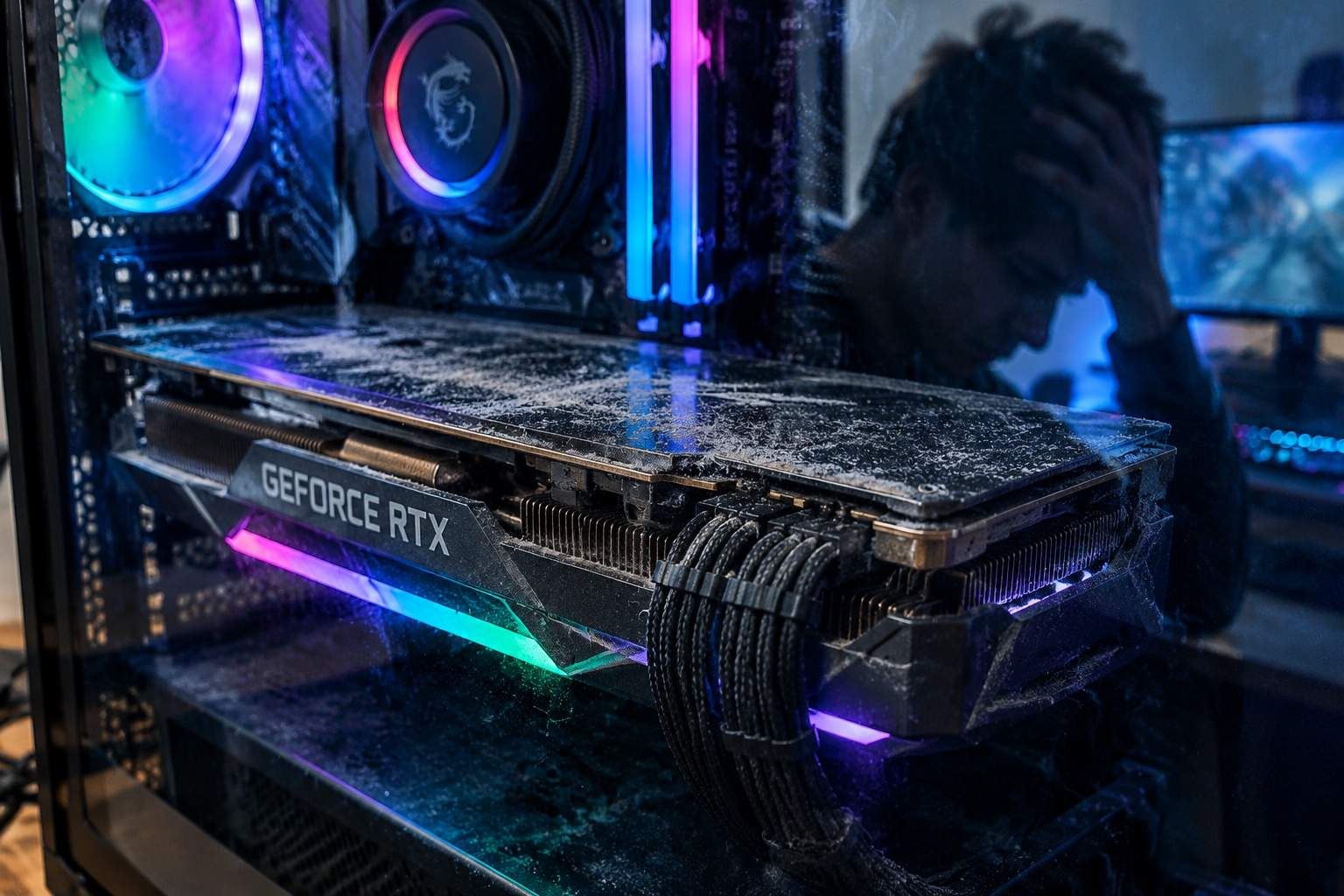
Female players often get pigeonholed into "casual" categories, but I know plenty of you are building beastly rigs for high-fidelity exploration. My advice is the same: don't trust the official recommended specs. They are often calculated using heavy AI upscaling that blurs the image and introduces ghosting. If a game forces you to use upscaling just to hit 60 FPS at 1080p, the optimization is trash. Look for games that respect your hardware rather than those that treat your high-end PC like a testing lab for unoptimized engines.
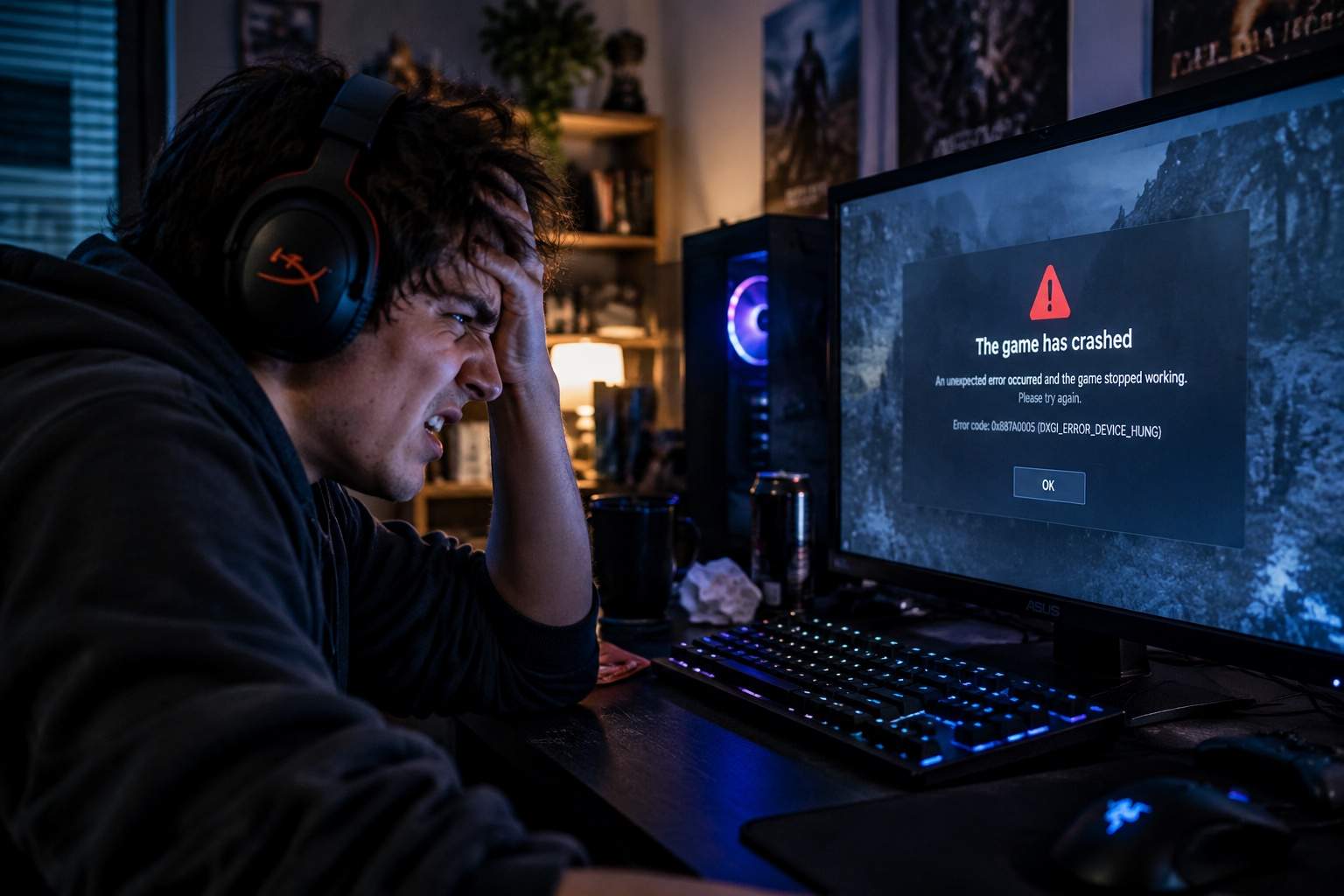
The worst part is the shader compilation stutter. You’ll be mid-fight, the game needs to load a new effect, and everything freezes for a split second. That’s not a hardware failure; that’s a developer failing to pre-compile assets. It’s a complete lack of respect for the player's time and investment. We shouldn't have to wait for three patches for a game to be playable on a card that was released six months ago.
Before you go out and buy that even more expensive component, try a clean driver install and look into frame-capping software to stabilize your frame pacing. Sometimes, limiting your FPS to a slightly lower, consistent number feels ten times better than letting it fluctuate wildly. It’s about the quality of the frames, not just the quantity. Don't let the marketing departments convince you that your perfectly good rig is the problem when the code is the culprit.
We’ve reached a point where we are paying premium prices to be unpaid beta testers. If the "recommended" settings require a top-of-the-line card just to reach a stable baseline, that’s not a masterpiece—it’s a technical debt passed onto the consumer. Stop rewarding studios that hide behind AI upscaling as a crutch for their own inefficiency.
Either start demanding games that actually run on the hardware they claim to support, or get used to the smell of burning cash every time a new "Next-Gen" title drops. Your GPU isn't the problem, their laziness is. Now go fix those settings and stop letting them trick you into another unnecessary upgrade.