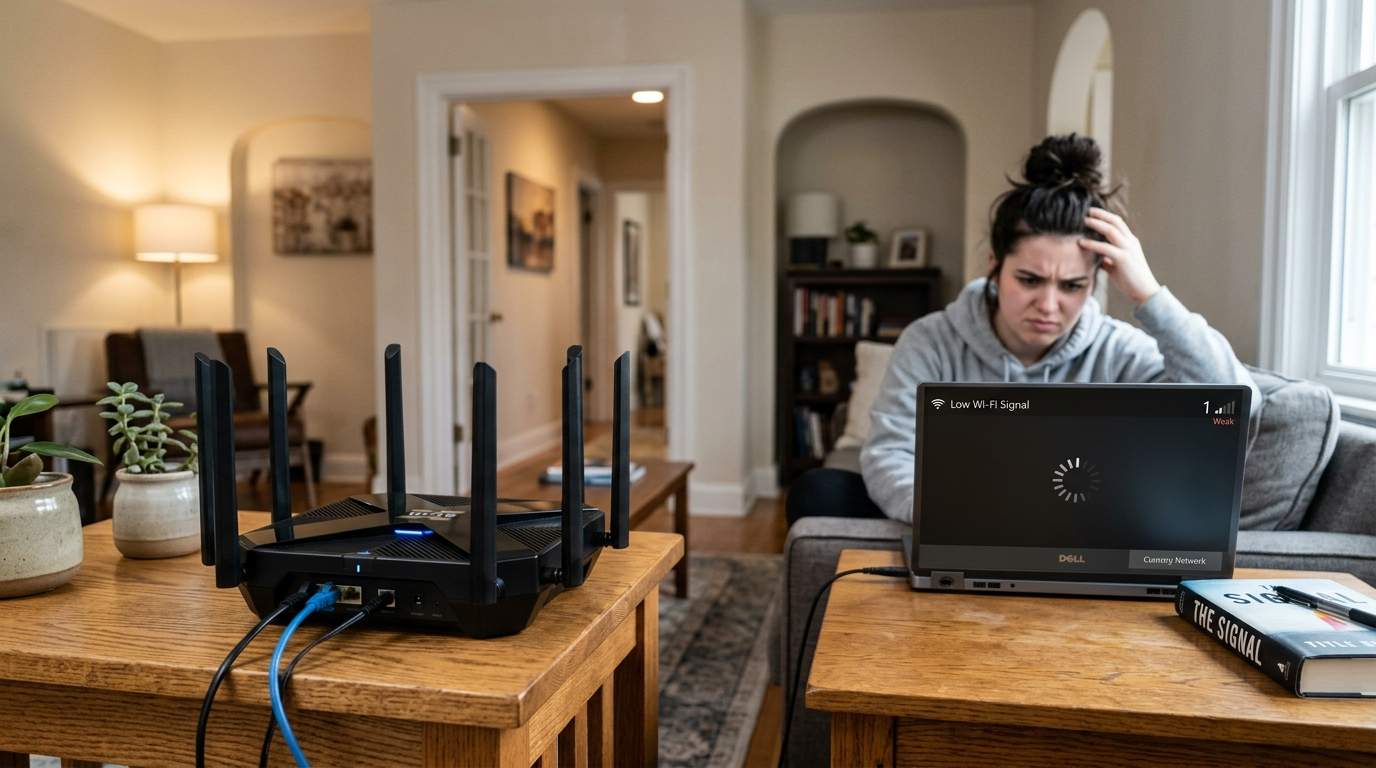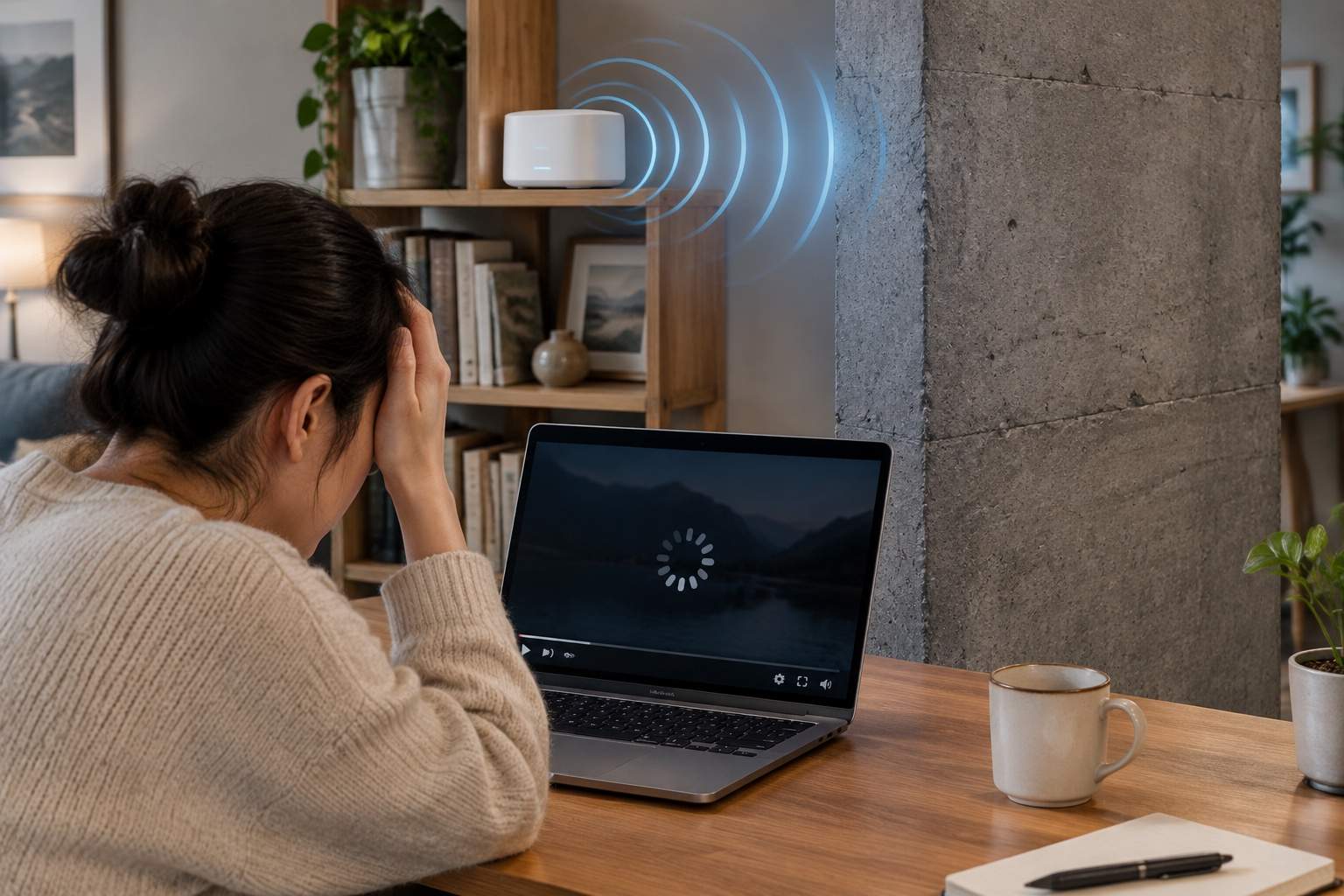

We've all been there. You're trying to stream your favorite show, or perhaps you're mid-sentence on a critical video call from that cozy corner of your home, and suddenly, silence. The picture freezes, the little spinning wheel of doom appears, and your "reliable" internet connection vanishes like a magician's assistant. Frustration boils over, and in a moment of desperation, you remember that shiny, relatively inexpensive Wi-Fi extender promising to banish dead zones forever. You plug it in, see those lovely full bars, and breathe a sigh of relief. Except, your relief is often short-lived, replaced by a lingering question: why does everything still feel so… sluggish?
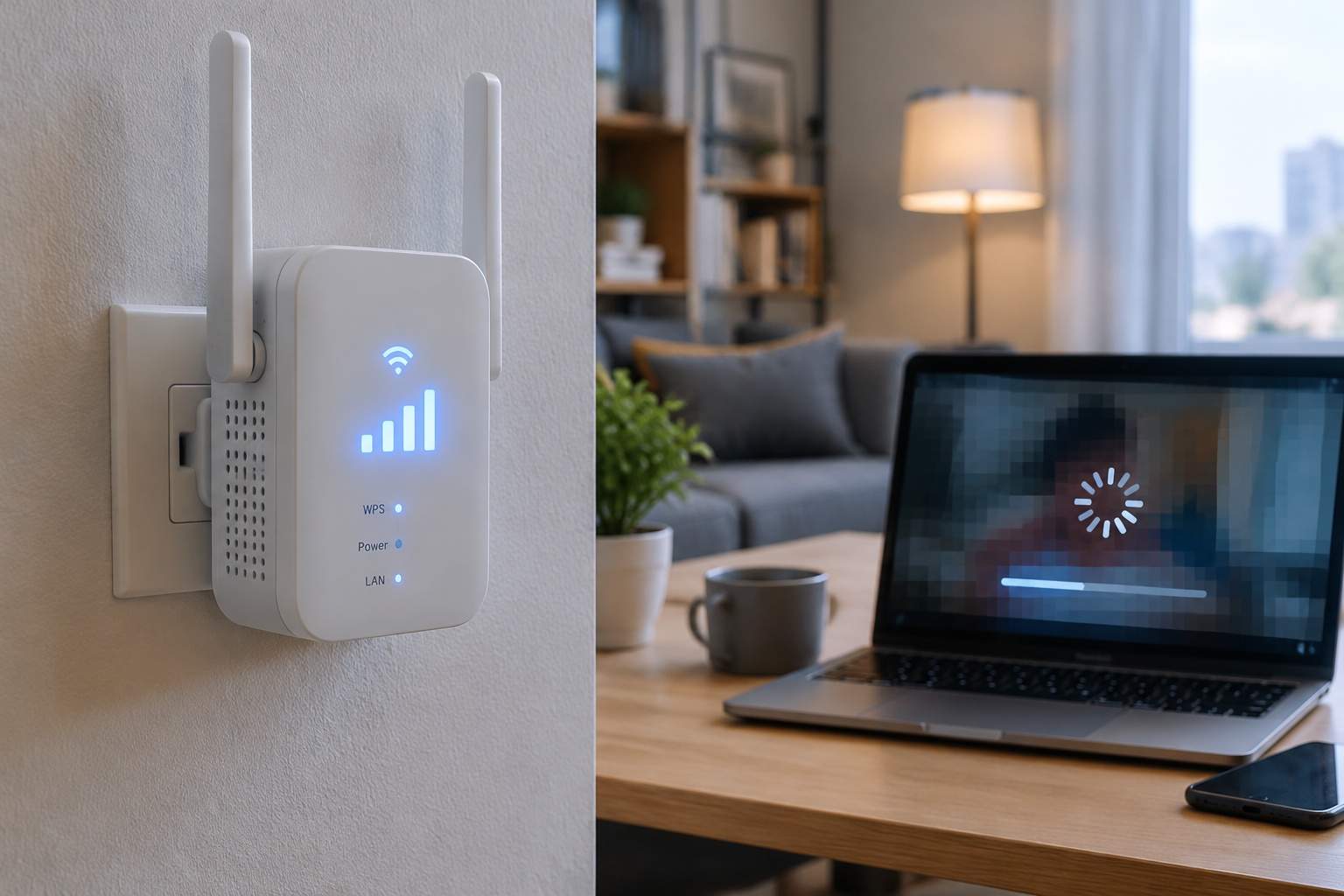
As someone who's spent more than a few years wrangling electrons and silicon in the hardware world, let me tell you a secret: that "easy fix" Wi-Fi extender you bought? It’s often the digital equivalent of trying to make a highway faster by adding more stop signs. While it looks like it's helping by extending your signal, it's often quietly sabotaging your entire home network. You see those full signal bars, but what you’re not seeing is the dramatic drop in actual speed and the hike in response times.
The fundamental flaw lies in how most Wi-Fi extenders operate. Think of your main Wi-Fi router as a diligent radio announcer, broadcasting its signal. Now, imagine the extender as another announcer who has to first listen to the main announcer, and then re-broadcast the message. Crucially, both announcers are using the same limited airwaves on the same channel. This "listen-then-retransmit" method, known as half-duplex communication, means your extender is doing double duty on a single channel, effectively cutting your available bandwidth in half, or even more, right off the bat. If your main router gives you a blazing 100 Mbps, your extender might only be capable of delivering 30-40 Mbps under ideal conditions. That’s why your 4K stream buffers endlessly.
Beyond just halving the speed, every extra hop your data has to make introduces latency, or delay. It's like playing a game of telephone; the more people involved, the longer it takes for the message to get through. For critical activities like video calls or online gaming, even a few extra milliseconds of latency can turn a smooth experience into a frustrating, laggy mess. You hear a delay, you see frozen faces – all because your data is taking a scenic, inefficient detour.
Furthermore, in today's crowded wireless environments – especially in apartment buildings or densely populated neighborhoods – Wi-Fi extenders become yet another source of signal interference. They're like adding more voices to an already noisy room. Each extender is trying to shout its signal over others, potentially creating more digital chaos that degrades everyone's connection quality, including your own. Your smart home devices, which often rely on a stable connection, might suddenly start dropping offline for no apparent reason.
So, who is an extender for? Honestly, almost no one for any critical task. Perhaps if you need to connect a single, extremely low-bandwidth smart device (like a temperature sensor that sends data once an hour) in an absolute dead zone, and you have zero budget for anything else, an extender might provide minimal utility. But for anything involving streaming, video calls, web browsing, or even just reliable smart home control, it's a false economy.
Instead of fighting symptoms, let's fix the root cause. The first, simplest, and often free solution is optimizing your main Wi-Fi router's placement. Think central, high up, and away from obstructions and electronics that cause interference (microwaves, cordless phones). Moving your router from a corner on the floor to a central bookshelf can sometimes be all it takes to cover 80% of typical homes effectively.
For serious coverage and speed, especially in larger or multi-story homes, consider two far more robust solutions. If your home has Ethernet cabling, or you're willing to run a single cable, an Access Point (AP) with Ethernet backhaul is the gold standard. This means wiring an AP directly to your main router. Your data travels via a dedicated, high-speed Ethernet lane, then the AP broadcasts a full-speed Wi-Fi signal. It's like adding another main router to your network, but without the half-duplex bottleneck. For a home office in the attic, running a single Ethernet cable and plugging in an AP can transform glacial speeds into warp speed.
If running cables isn't an option, then a Mesh Wi-Fi system is your champion. Unlike extenders that simply repeat a weak signal, mesh systems are designed as a unified network where multiple "nodes" communicate intelligently to create a seamless, strong Wi-Fi blanket across your entire home. They often have dedicated channels for node-to-node communication, ensuring that your devices always connect to the strongest, fastest signal without the crippling speed loss of an extender. A good mesh system can maintain 80-90% of your original internet speeds throughout your home, drastically improving your quality of life.
In a world drowning in digital distractions and "easy fixes," let's bring technology back to serving us efficiently. Don't fall for the extender trap. Invest in understanding your network's needs and choose solutions that genuinely enhance your digital life, turning frustration into seamless productivity and entertainment. Your time, and your sanity, are worth more than a few cheap "bars."